New Cursor Interface
Cursor 3 is now available.
Agents Window
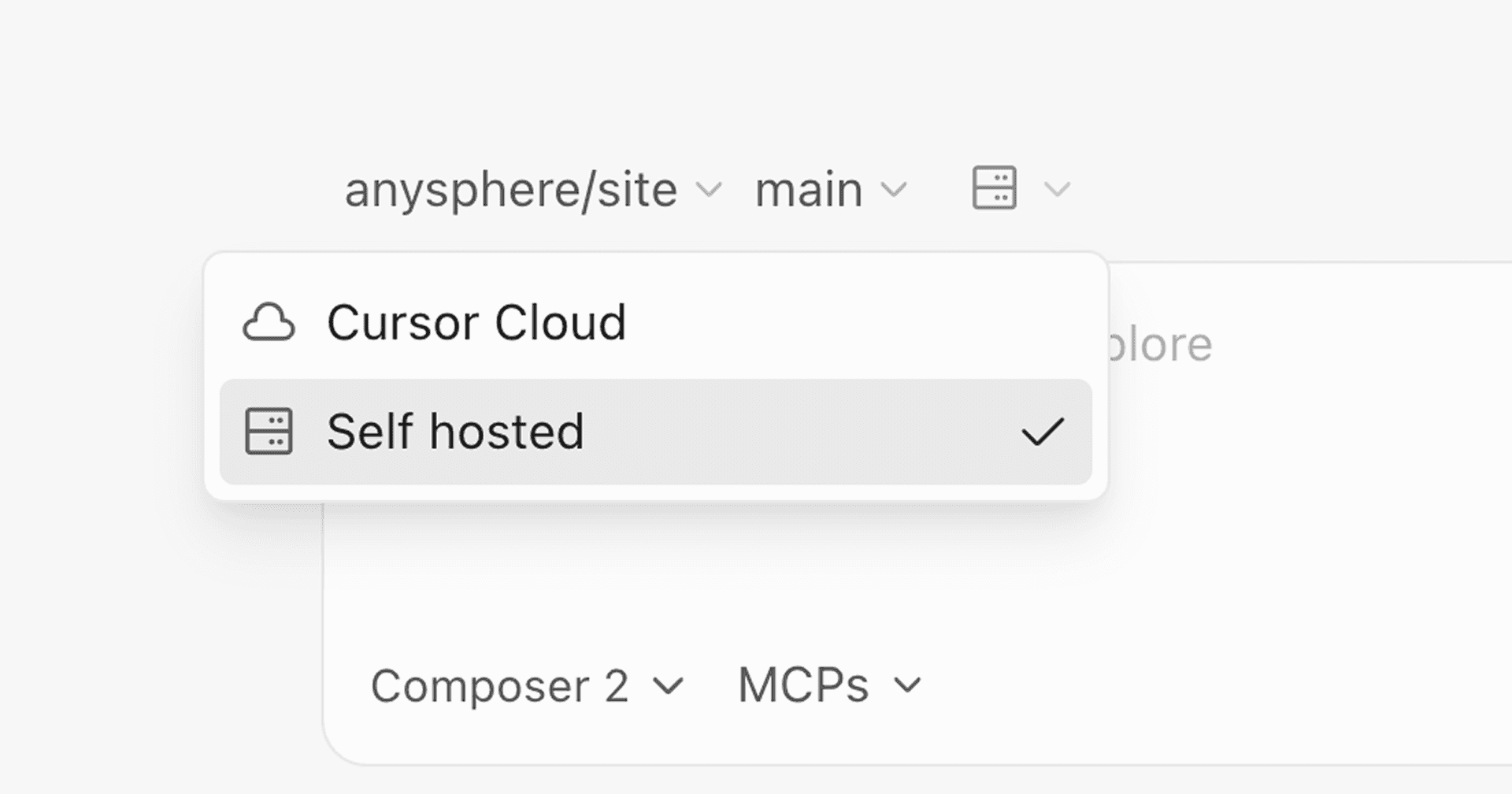
The new Cursor interface allows you to run many agents in parallel across repos and environments: locally, in worktrees, in the cloud, and on remote SSH.
It's simpler, more powerful, and centered around agents, while keeping the depth of a development environment.
To try the Agents Window, upgrade Cursor and type Cmd+Shift+P -> Agents Window.
You can switch back to the IDE anytime, or have both open simultaneously.
Read more in our announcement.
Design Mode
In the Agents Window, you can use Design Mode to annotate and target UI elements directly in the browser.
This allows you to give more precise feedback and iterate faster by pointing the agent to exactly the part of the interface you're referring to.
Keyboard shortcuts include:
- ⌘ + Shift + D to toggle to Design Mode
- Shift + drag to select an area
- ⌘ + L to add element to chat
- ⌥ + click to add element to input
Agent Tabs in the Editor
Agent Tabs allow you to view multiple chats at once, side-by-side or in a grid.
- Added a new command
/worktreethat creates a separate git worktree so changes happen in isolation. - Added a new command
/best-of-nthat runs the same task in parallel across multiple models, each in its own isolated worktree, then compares outcomes. - Deprecated the previous worktree and best-of-n selection from the Editor.
- Removed cloud agents from the Editor.
- MCP Apps now support structured content, enabling richer tool outputs.
- Third-party plugin imports now default to off for Enterprises when unset, while preserving explicit Admin overrides.
- Added the directory group name so audit logs are human-readable without looking up IDs.
- Added a team-level Admin setting for cloud agents that restricts creating, editing, and deleting team secrets to Admins.
- Added an Enterprise Admin control for disabling "Made with Cursor" code attribution for the entire team. Per-user settings still exist via Cursor Settings > Agent > Attribution.
- Large-file diff rendering is now much faster, smoother, and less memory-heavy.
- Agents are now better at monitoring long-running jobs.
- Added an
Awaittool that lets agents wait for background shell commands and subagents to complete, or wait for specific output such as "Ready" or "Error". - Reduced the browser automation tool surface and tightened the subagent to use browser tools only, helping it stay more focused on the task. Also improved the browser instructions to reduce error loops, and added screenshot-based coordinate clicking as a fallback when DOM interactions are unreliable.
- Plans are now included in shared chats alongside the transcript.
- Added caching to improve Explorer subagents startup time.
- Past chat transcripts are now surfaced directly in at-mention search results.
- Added a "scroll to bottom" button in the agent panel that appears when content overflows.
- Tab bar can now span the full available width in maximized chat layouts.
- Consolidated the Early Access release track behind Nightly.
- Fixed text area behavior for Network Access Controls so pressing
Entercan reliably add a newline at the end of the input. - Fixed hooks loading so multi-root workspaces read project hook files from all workspace folders instead of only the first one.
- Fixed a markdown parsing bug where parenthesized HTTP(S) links could be misread as citations.
- Fixed todo card visibility to prevent them from disappearing after all todos complete.
- Fixed Agent queued prompts that were not resuming automatically after editing operations.
- Fixed picker behavior for models that are disabled but selectable by removing misleading "not allowed" styling and auto-enabling a model when the user selects it.
- Fixed a bug where expanding/collapsing thinking blocks didn't work while streaming was still in progress.
- Fixed a bug where Shift+Enter line breaks weren't treated as multiline content, so the prompt input field could stay in an incorrect state.