Self-hosted machines
Cursor supports self-hosted machines, which let you keep tool execution entirely in your own network.
Your codebase, build outputs, and secrets all stay on internal machines running in your infrastructure, while the agent handles tool calls locally.
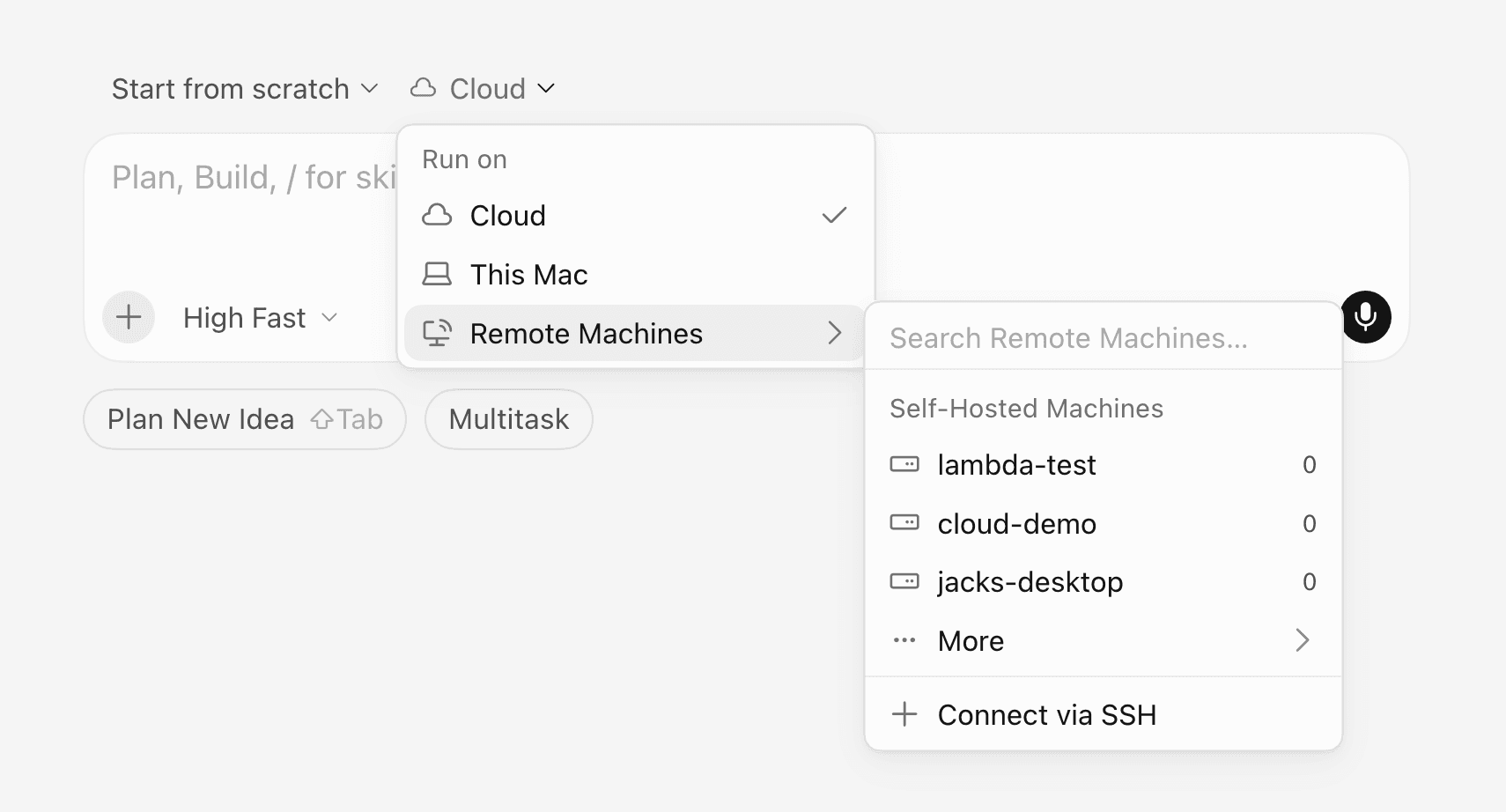
Dynamic pool scheduling
My Machines connects a single laptop or VM to your account for personal workflows.
Team pools are named queues of workers for a team or enterprise. Capacity can grow as requests arrive and shrink when workers disconnect, so your self-hosted machines can scale with demand. Pools are not tied to one repository: name the pool, and any available worker can claim the request.
Pools can also hibernate idle machines, then restore within a reconnect window when a follow-up arrives, so you don't keep expensive capacity warm just for the next prompt.
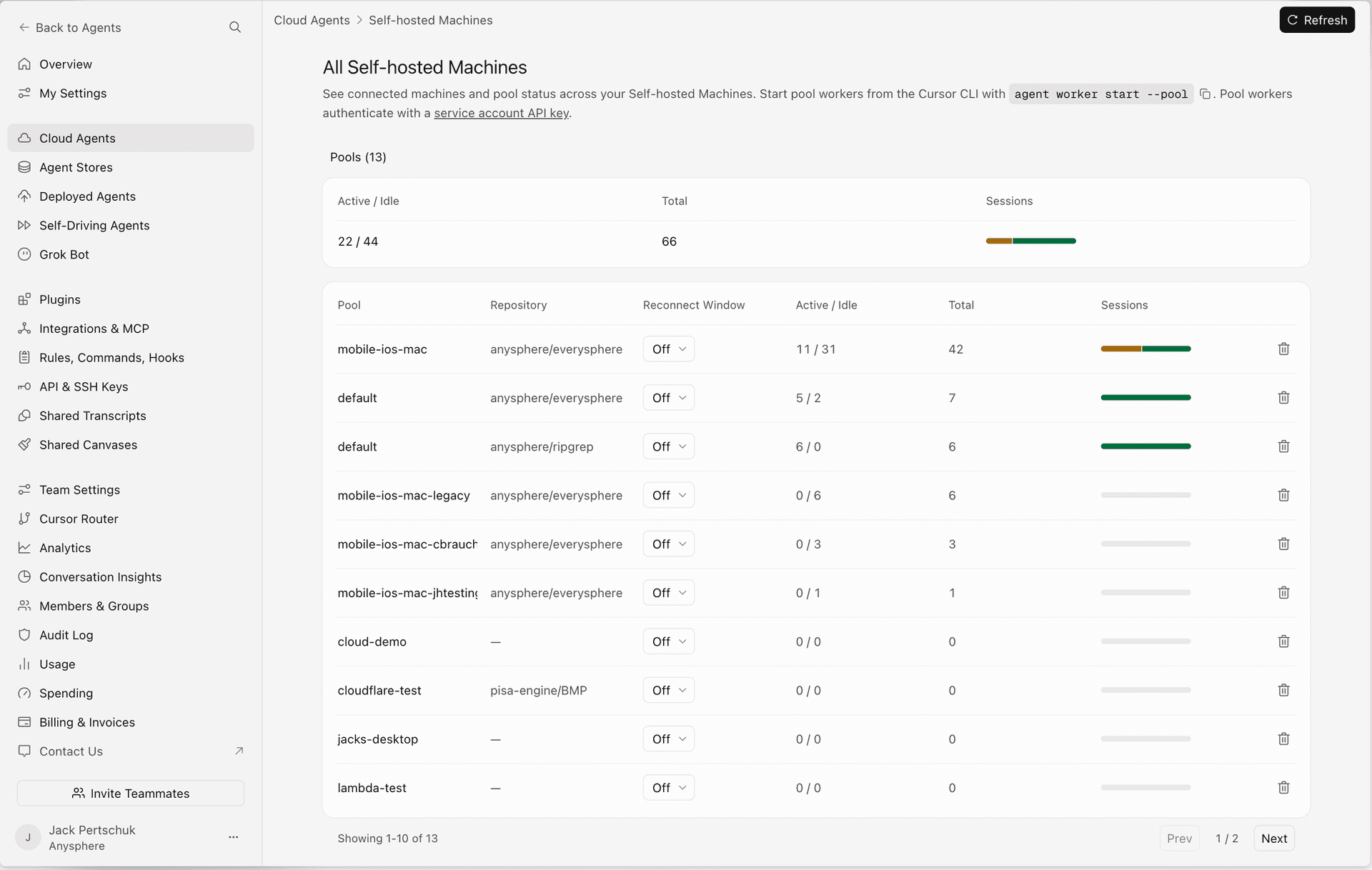
Run on your sandboxes
Cloud agents can now execute on infrastructure you already use, including from AWS Lambda, Coder, Cloudflare, Daytona, Modal, Namespace, Vercel, and E2B.
Computer use on Linux and Mac
Self-hosted workers now support computer use on Linux and Mac. With the right desktop packages, an agent can click, type, take screenshots, and drive the browser. You can watch its desktop or take control from Cursor.