2.2 · 更新日誌
Debug 模式、Plan 模式優化、多代理評估與已釘選對話
Debug 模式
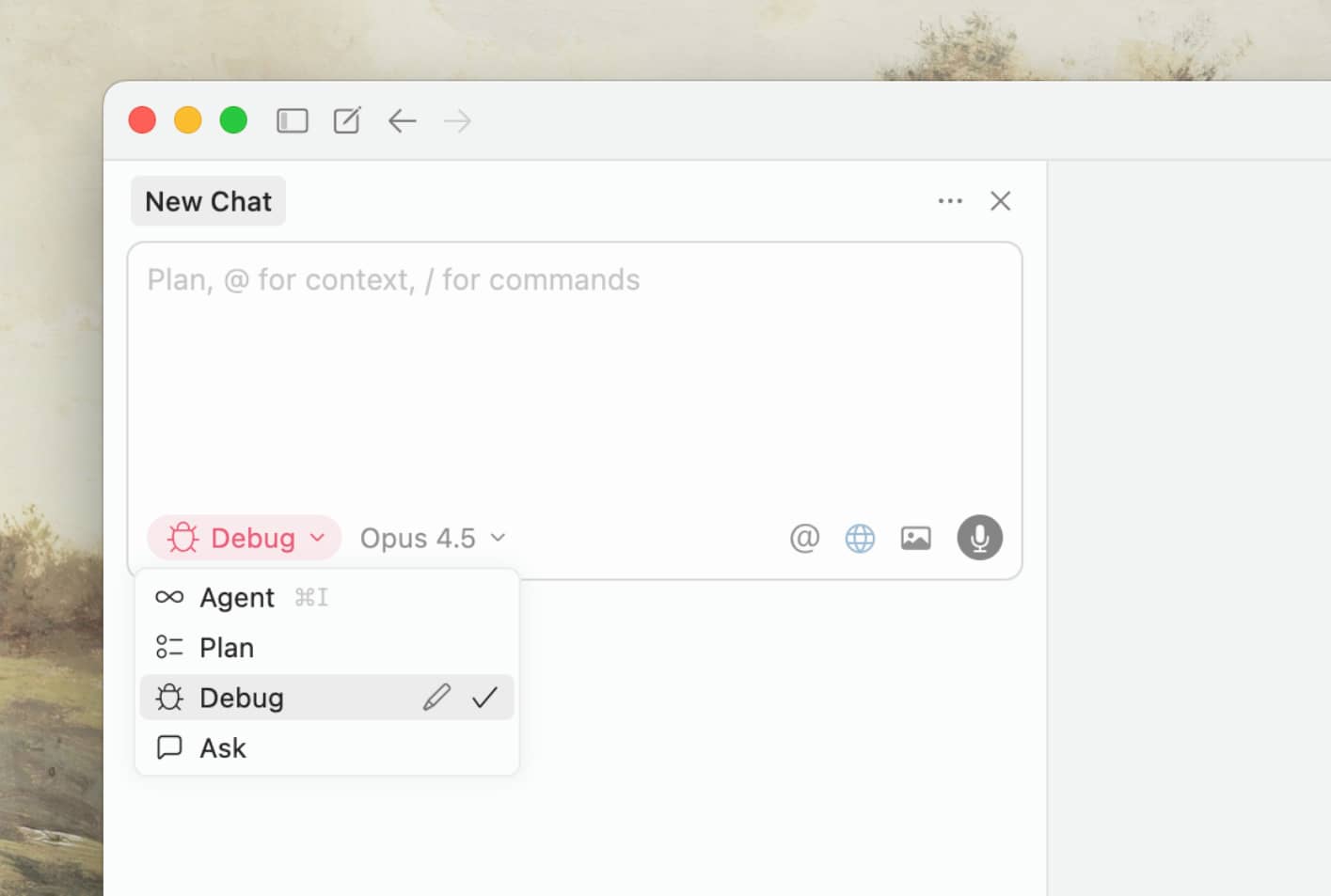
Debug 模式可協助你重現並修復最棘手的錯誤。
Cursor 會在你的應用程式中加入執行階段日誌,以找出問題根源。它適用於各種技術堆疊、程式語言與模型。
在我們的公告中了解更多內容。
瀏覽器版面與樣式編輯器
透過全新的瀏覽器側邊欄與元件樹,同步進行設計和撰寫程式碼。
即時移動元素、更新顏色、測試版面配置並試驗 CSS,接著使用代理立即將變更套用到你的程式碼庫。你也可以點選多個元素,以文字描述想要的變化,啟動代理來進行視覺調整。
Plan 模式改進
Plan 模式現在支援內嵌 Mermaid 圖表,讓 Agent 能自動產生並串流視覺化內容到你的計畫中。你也可以更靈活地掌控建立它們的方式,選擇將特定待辦事項傳送給新的 Agent。
多代理評估
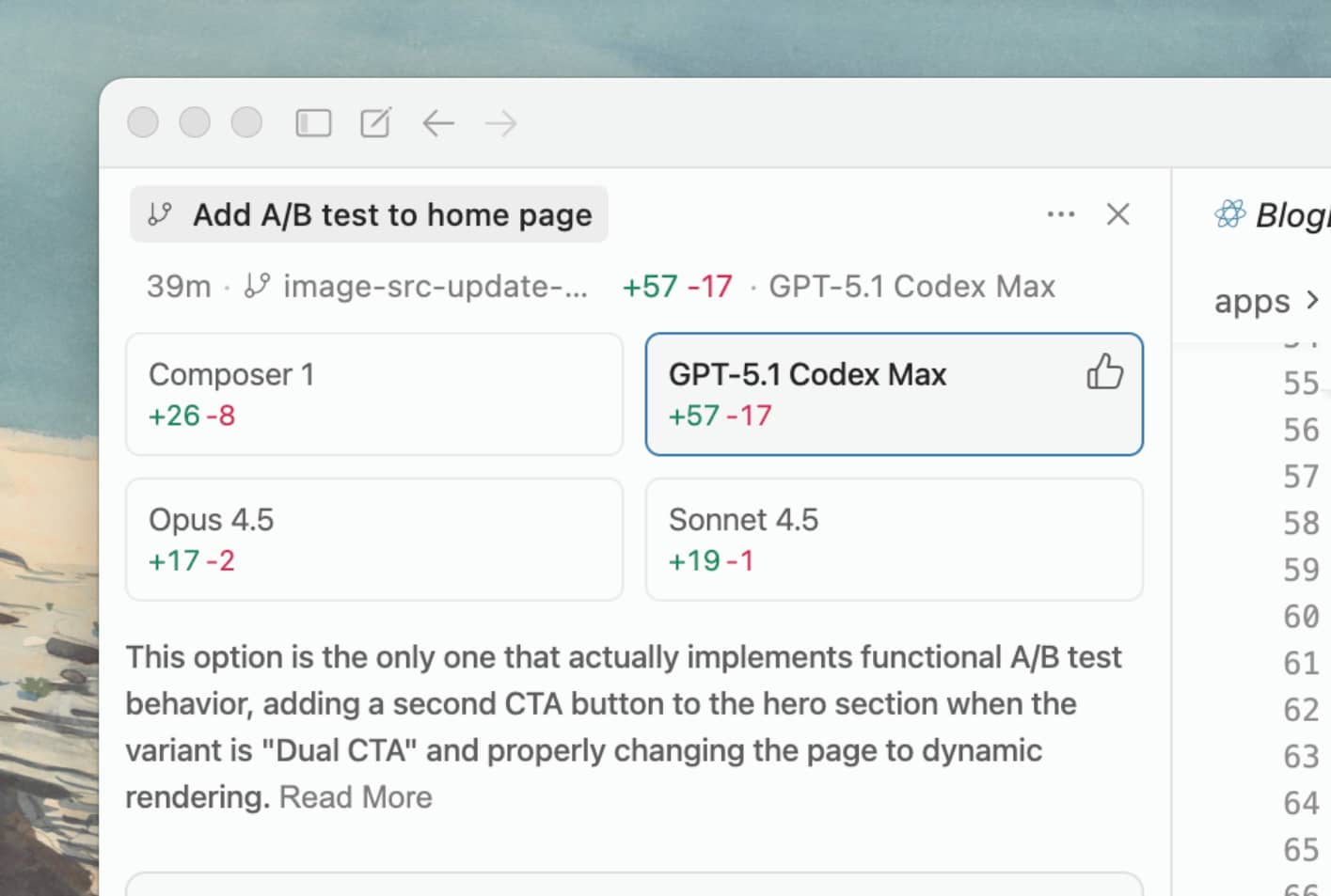
在同時執行多個代理時,Cursor 現在會自動評估所有執行結果,並推薦最佳解決方案。
被選中的代理會附上一則註解,說明為什麼會被選中。對最佳解決方案的評估只會在所有並行代理都完成後才進行。
已釘選對話
在 代理 側邊欄中,將對話釘選在頂端以便日後參考。

- 現在可以在 cursor.com/dashboard 的設定中管理瀏覽器防護功能。
- Ask Mode 可以使用唯讀終端機來取得更好的答案,例如檢查 git commits。
- 多項本機並行代理的錯誤修正與穩定性提升。
- 規劃現在預設會以檔案形式儲存在磁碟上。
- 代理 規劃現在是可用一般工具編輯的檔案。
- 針對終端機與 MCP 核准/拒絕的系統通知操作。
- 修正使用 Cmd+Opt+方向鍵 切換聊天,並新增 Ctrl+Tab 切換行為。
- 改善所有 AWS Bedrock 使用者的回應效能。
- 聚焦在總管窗格後,輸入文字會自動進行搜尋。
- 規則現在支援在資料夾中同時包含 prompts、scripts 等更多內容。